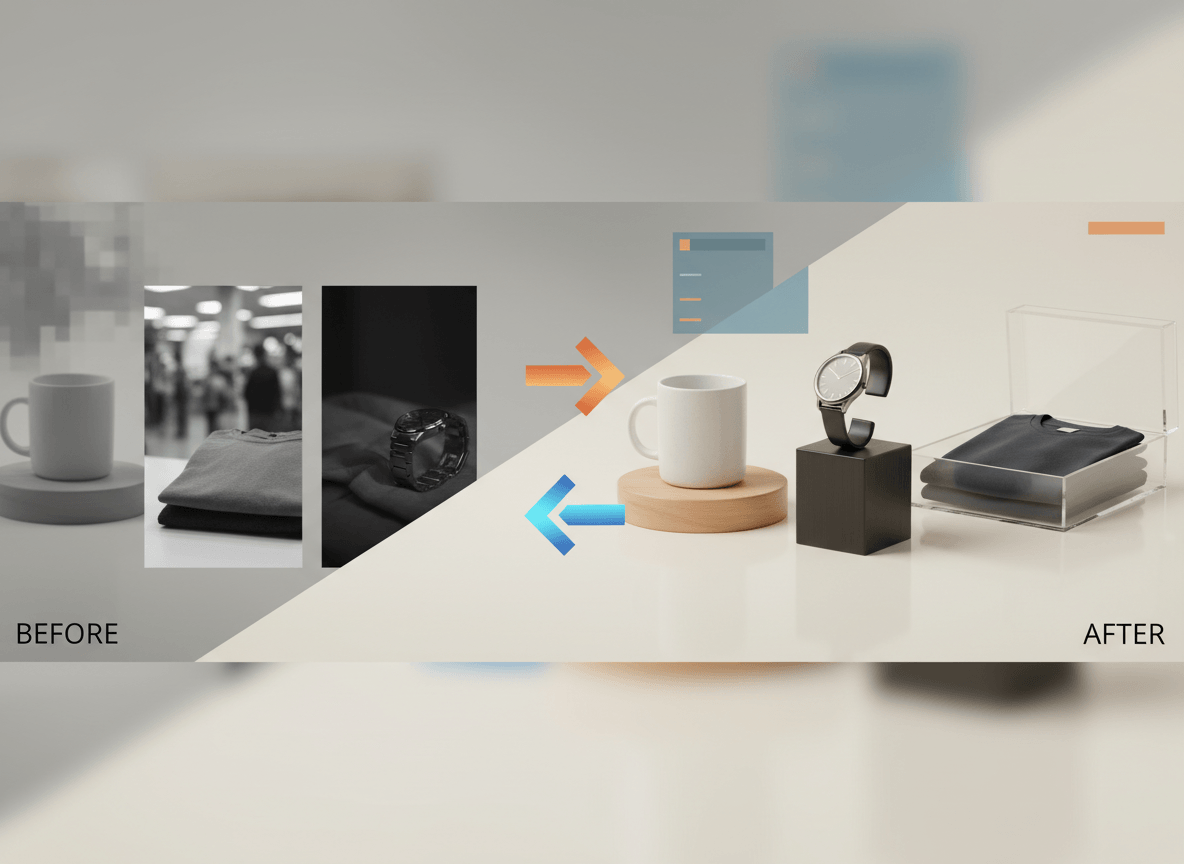
Most ecommerce catalogs do not fail because every image is terrible. They fail because the catalog feels inconsistent, outdated, or low-trust.
One supplier image is too dark. Another has a different crop. A third looks soft on mobile. Over time, the store starts to feel patched together.
The good news is that you usually do not need to reshoot the entire catalog to fix that. In many cases, you can improve the images you already have by standardizing the fundamentals first.
If your biggest pain point is white-background hero images, read How to Create White Background Product Images Without Photoshop. If the issue is Shopify rendering and theme behavior, pair this with Shopify Product Image Size Guide.
Start With the Biggest Win: Consistency
If you are working with mixed source images, the fastest improvement is not a dramatic edit. It is consistency.
That means standardizing:
- aspect ratio
- crop
- exposure
- white balance
- background style
- shadow treatment
When those six things match across a category, the catalog immediately looks more deliberate and more trustworthy.
1. Rebuild a Consistent Crop System
Many catalogs feel messy because products sit at different scales inside the frame.
Fix that first:
- choose one master aspect ratio per category
- decide how much of the frame the product should fill
- apply the same centering rule across similar products
For example, if your hero images are square, keep most products filling a similar amount of the image area instead of letting one float with huge empty margins while another is tightly cropped.
This is simple, but it changes how professional the store feels.
2. Normalize Exposure and Color
Mixed lighting is one of the fastest ways to make a store look unpolished.
If half your catalog is warm and the other half is cool, shoppers feel the inconsistency even if they cannot explain it.
Use editing tools or AI-assisted image enhancers to normalize:
- exposure
- contrast
- white balance
- saturation
Do not chase drama. The goal is not to make every image look "better" individually. The goal is to make the set look coherent together.
3. Clean or Replace Distracting Backgrounds
If your source images come from suppliers, old shoots, or mixed channels, background cleanup is usually one of the highest-return fixes.
For marketplace or catalog use, a clean white or neutral background is often the safest choice. For branded Shopify PDPs, you can keep more variation, but it should still look intentional.
Good background cleanup should do three things:
- remove clutter
- keep edges clean
- preserve the real shape and color of the product
Bad background cleanup usually creates halos, missing edges, or an obviously fake cutout. Always check the finished image at zoom level before publishing.
4. Upscale Carefully, Not Automatically
Low-resolution images are a real problem, especially on modern product pages. But upscaling is not a magic fix.
AI upscalers can help recover usable detail from smaller files, but they can also invent texture that was not there originally. That is useful for presentation in some cases and dangerous in others.
Use upscaling when:
- the source image is basically usable but too small
- the product does not have highly sensitive detail
- you can compare the result against the actual item
Do not rely on upscaling to rescue a badly lit, blurry, or inaccurate source image. It is a finishing tool, not a replacement for product truth.
5. Add the Right Supporting Images
A lot of stores rely too heavily on one clean hero image and never add the images that actually build buying confidence.
If you cannot reshoot everything, create the most useful supporting assets from your strongest source images:
- a clean hero image
- an alternate angle
- a detail crop
- a scale or in-use image
- a simple lifestyle variation where relevant
This matters because customers rarely need more "pretty." They need more evidence.
6. Use AI to Extend Good Images, Not Hide Weak Products
AI is useful for:
- background cleanup
- lighting normalization
- creating controlled variations
- standardizing a large catalog
AI is not a good solution for:
- hiding defects
- inventing product features
- changing the real finish or color
- making a weak product look like a different product
If the edit changes what the customer thinks they are buying, it is not an optimization anymore. It is a trust problem.
7. Audit the Catalog on Mobile
Many image problems only become obvious on a phone:
- the crop feels too loose
- the detail image is unreadable
- the product blends into the background
- the gallery feels repetitive
After making improvements, test the actual collection grid and product page on a real mobile device. The goal is not just sharper files. The goal is better visual communication in the storefront.
8. Create a Simple House Style
Once the catalog starts looking better, lock the system in place.
Write down your internal image rules:
- approved aspect ratios
- hero-image crop rules
- background treatment
- shadow style
- color and exposure targets
- required supporting image types
This matters because the easiest way to ruin a cleaned-up catalog is to let the next batch of products follow a different visual standard.
A Practical Improvement Order
If you need to improve a catalog quickly, work in this order:
- fix crop and framing
- normalize exposure and color
- clean backgrounds
- replace or improve the weakest hero images
- add supporting images where they reduce uncertainty
- test the result on collection pages and mobile PDPs
That order gives you the biggest visible lift without turning the project into a full reshoot.
Related Reads
- How to Create White Background Product Images Without Photoshop
- Shopify Product Image Size Guide
- Marketplace Product Image Checklist for Amazon, Shopify, Etsy, and eBay
- Ecommerce Image Generator
Bottom Line
You do not need to rebuild your catalog from scratch to make it feel more professional. In most stores, the highest-return improvements come from standardization, cleanup, and better image sequencing, not from dramatic creative changes.
If you want to improve ecommerce imagery at scale without reshooting every SKU, Sellshot is designed to help teams standardize, generate, and expand product-image sets for catalog workflows: Start free trial ->