One of the most common image mistakes on Shopify is using the same kind of image everywhere.
The image that works in a collection grid is not always the image that closes the sale on the product page. The image that works on the product page is not always the image that stops a scroll in an ad.
That is why the better question is not "What is the best Shopify product image?" It is "What image type belongs in each slot?"
This guide is about image roles, not raw upload specs. For the technical upload side, use Shopify Product Image Size Guide alongside this article.
1. Collection Images: Clarity Wins
Collection images have one job: earn the click.
In a product grid, the shopper is scanning quickly. The image needs to make the product recognizable immediately.
The best collection images are usually:
- simple
- high-contrast
- tightly framed
- visually consistent with the rest of the grid
In most categories, that means a clean product-first image rather than a busy lifestyle scene.
What works best
- a clear primary angle
- a crop that gives the product enough presence in the frame
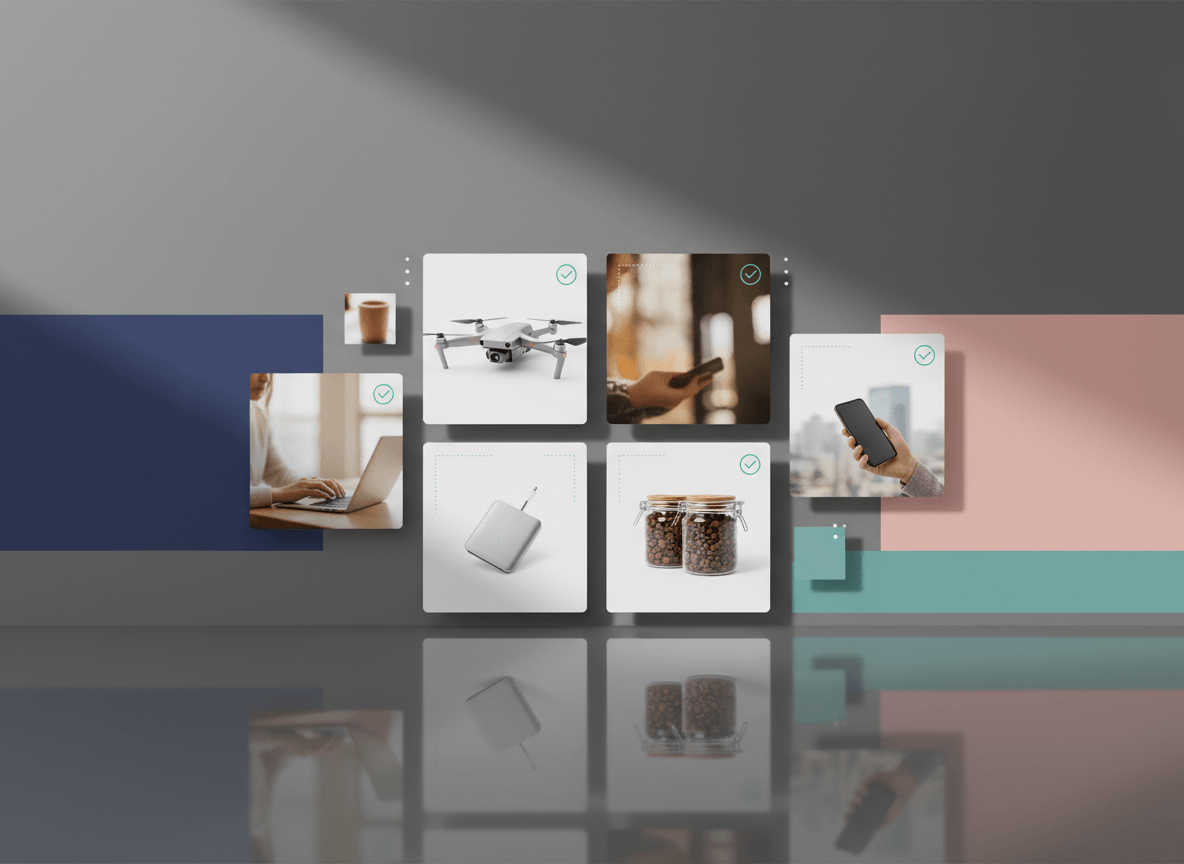
- a consistent aspect ratio across the category
- a background treatment that matches the rest of the collection
What usually underperforms
- images with too much empty space
- dark or low-contrast thumbnails
- mixed aspect ratios in the same grid
- lifestyle images where the product becomes secondary
Collection images do not need to tell the full story. They need to make the shopper want the next click.
2. PDP Hero Images: Confidence First
Once the shopper lands on the product page, the image job changes.
Now the first image needs to answer:
- Is this the product I expected?
- Does it look credible?
- Can I immediately understand the shape, finish, and overall form?
The best PDP hero image is usually:
- the clearest angle of the product
- well-lit
- easy to zoom or inspect
- visually aligned with the collection image the shopper clicked
In many stores, the collection image and PDP hero image can be the same file. That is fine as long as it performs well in both contexts.
3. The Best PDP Sequence: What Comes After the Hero
A strong Shopify product page rarely relies on one image alone.
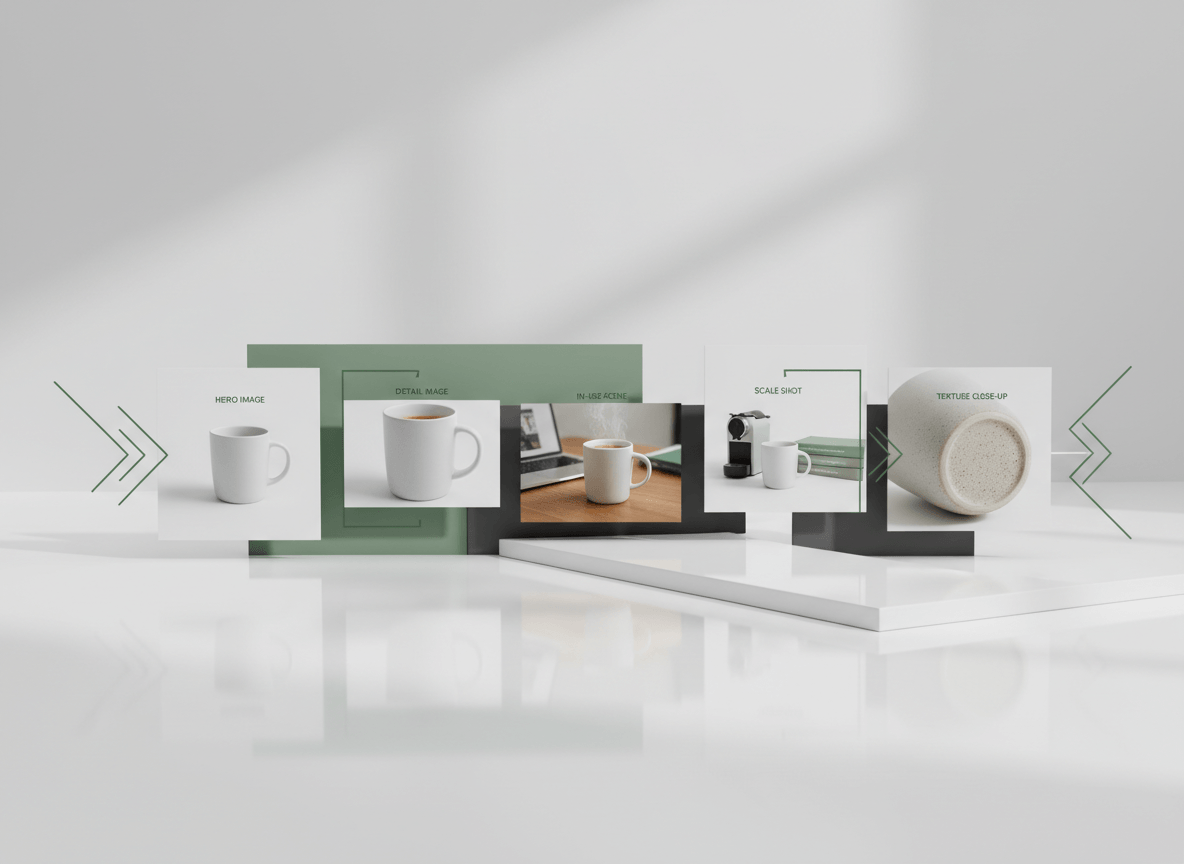
The most useful image sequence usually looks like this:
- Hero image: the cleanest, most recognizable product view
- Alternate angle: side, back, or secondary view
- Detail image: material, finish, stitching, ports, texture, or another trust-building close-up
- Scale image: in-hand, on-body, or next to a familiar reference
- In-use or lifestyle image: the product in context
- Optional support image: packaging, care information, compatibility, or size guide
This sequence works because it reduces uncertainty in the order shoppers naturally ask questions.
4. Lifestyle Images: Use Them Where They Add Meaning
Lifestyle images are powerful, but only when they clarify use or increase desire.
They are most effective when they help the shopper imagine:
- the product in a real setting
- the scale of the item
- how the product is worn, held, or used
- the mood or brand world around the product
They are least effective when they make the product harder to see.
That is why lifestyle images usually belong after the core product views, not in place of them.
5. Ads Need a Different Creative Standard
Ad images sit in a more competitive environment than your product page. They have to stop motion before they can explain anything.
The most effective ad images usually do one thing well:
- show the product clearly
- show the outcome clearly
- show the use case clearly
What matters most is not whether the image is "beautiful." It is whether the main visual idea is obvious at mobile speed.
Strong ad image patterns
- a single bold product shot
- a clear in-use scene
- a before/after concept where appropriate
- a carousel that separates product, detail, and benefit
Common mistakes
- too many ideas in one image
- tiny text overlays
- weak contrast
- using the exact same packshot from the PDP with no campaign angle
Ad creative should feel related to your storefront imagery, but not identical to it.
6. Category Changes the Best Image Mix
Different categories need different image priorities.
Apparel
Lead with a recognizable product view, then show fit, fabric detail, and front/back or on-model context.
Beauty
Make the packaging and shade obvious first, then show texture, swatch, or in-use context.
Electronics
Show the overall product first, then ports, controls, screen, included components, and scale cues.
Home Goods
Use a clean product view early, but lifestyle context becomes more important because shoppers need help imagining the item in a room.
Jewelry and Premium Accessories
Clarity and detail matter more than busy styling. Close-up detail and accurate finish are more persuasive than generic atmosphere.
7. Build One Master Set, Then Adapt
The most efficient workflow is not creating separate image systems for collections, PDPs, and ads from scratch.
It is creating one strong product-image set, then adapting it:
- one clean hero image
- one or two alternate angles
- one detail image
- one scale or use image
- one campaign-ready variation
From that set, you can support collection pages, product pages, and ad testing without reinventing the shoot every time.
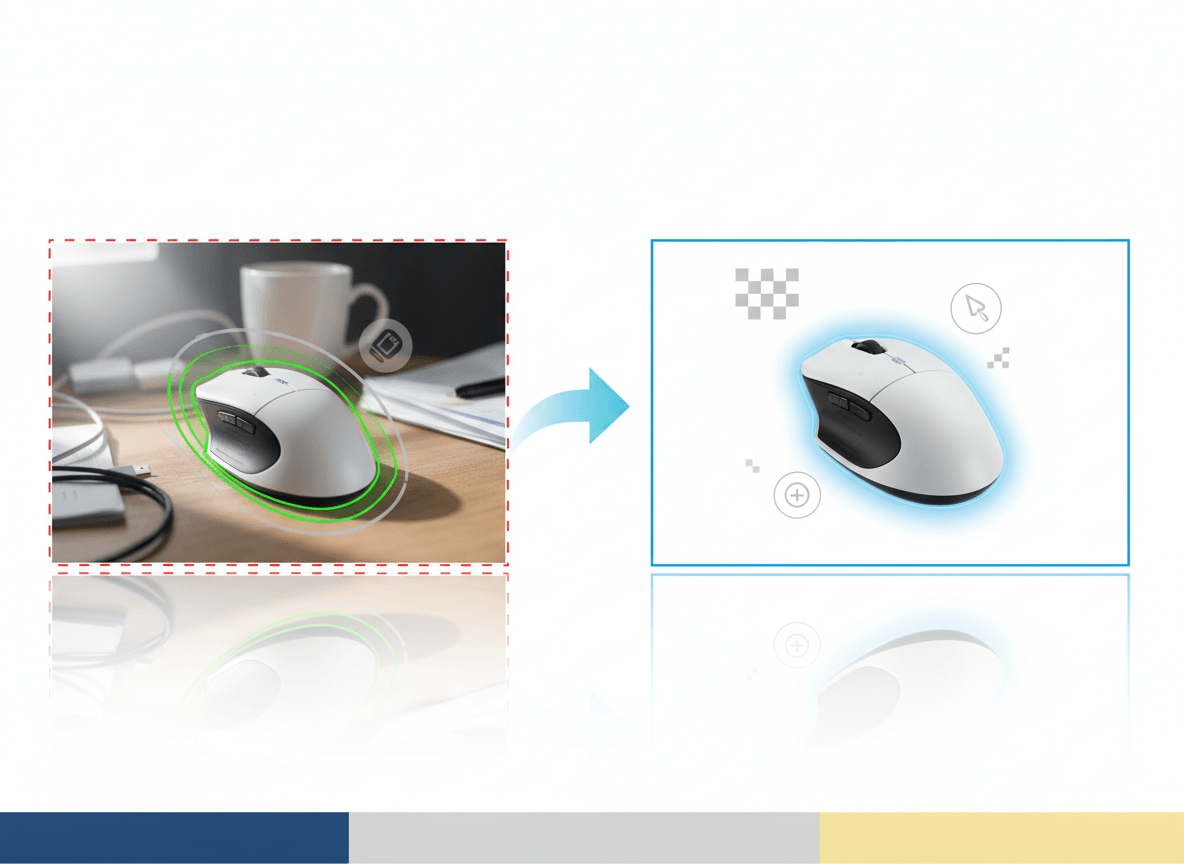
This is where AI-assisted workflows are useful. They can help create consistent derivatives from a strong source image set, especially for background variation, catalog cleanup, and fast supporting creative.
8. A Simple Checklist by Placement
Collection grid
- product instantly recognizable
- crop consistent with neighboring products
- background style consistent
- no clutter
PDP hero
- clearest overall product view
- sharp enough for inspection
- visually aligned with collection click-through image
PDP support images
- angle coverage
- detail coverage
- scale or fit coverage
- real use-case context
Ads
- one clear visual idea
- mobile-legible composition
- strong contrast and focal point
- campaign angle, not just catalog repetition
Related Reads
- Shopify Product Image Size Guide
- How to Improve Ecommerce Product Images Without Reshooting Everything
- Shopify Product Image Generator
Bottom Line
The best Shopify image system is not one perfect image. It is a sequence.
Use collection images to win the click, PDP images to reduce uncertainty, and ad images to communicate one strong idea fast. When each placement gets the right image type, the store becomes easier to browse and easier to buy from.
If you want to build those image sets faster and keep them visually consistent across the storefront, Sellshot is designed for exactly that ecommerce workflow: Start free trial ->