If you sell on Shopify, image sizing is not just a design detail. It affects how your products look in collection grids, how sharp your product pages feel, and how much unnecessary weight you push onto the page.
The good news is that Shopify's official guidance is broad enough to give you flexibility. The practical job is not memorizing one magic number. It is choosing a consistent master size that looks sharp, works across your theme, and does not create avoidable performance problems.
If you are working on image roles rather than raw file specs, pair this with Best Shopify Product Image Sequence for Collections, PDPs, and Ads. The two posts are meant to work together.
What Shopify Officially Supports
According to Shopify's help documentation:
- Product and collection images can be up to 5000 x 5000 px, or 25 megapixels.
- Image files must be smaller than 20 MB.
- For square product imagery, 2048 x 2048 px usually displays best.
- Shopify automatically creates and serves different image sizes across the storefront.
That means Shopify is flexible. But flexible does not mean "upload the biggest file you have and hope for the best."
The Practical Default: 2048 x 2048 for Square Product Images
For most stores, 2048 x 2048 px is still the best default for square product imagery.
Why it works:
- It is large enough to look crisp on modern screens.
- It gives you room for zoom and cropping in most themes.
- It is easier to compress and standardize than giant source files.
- It aligns with Shopify's own common recommendation for square product images.
If your catalog is mostly square-friendly products, this is the easiest standard to scale.
Aspect Ratio Matters More Than Most Merchants Expect
Shopify does not require every product image to have the same ratio, but your storefront usually benefits when they do.
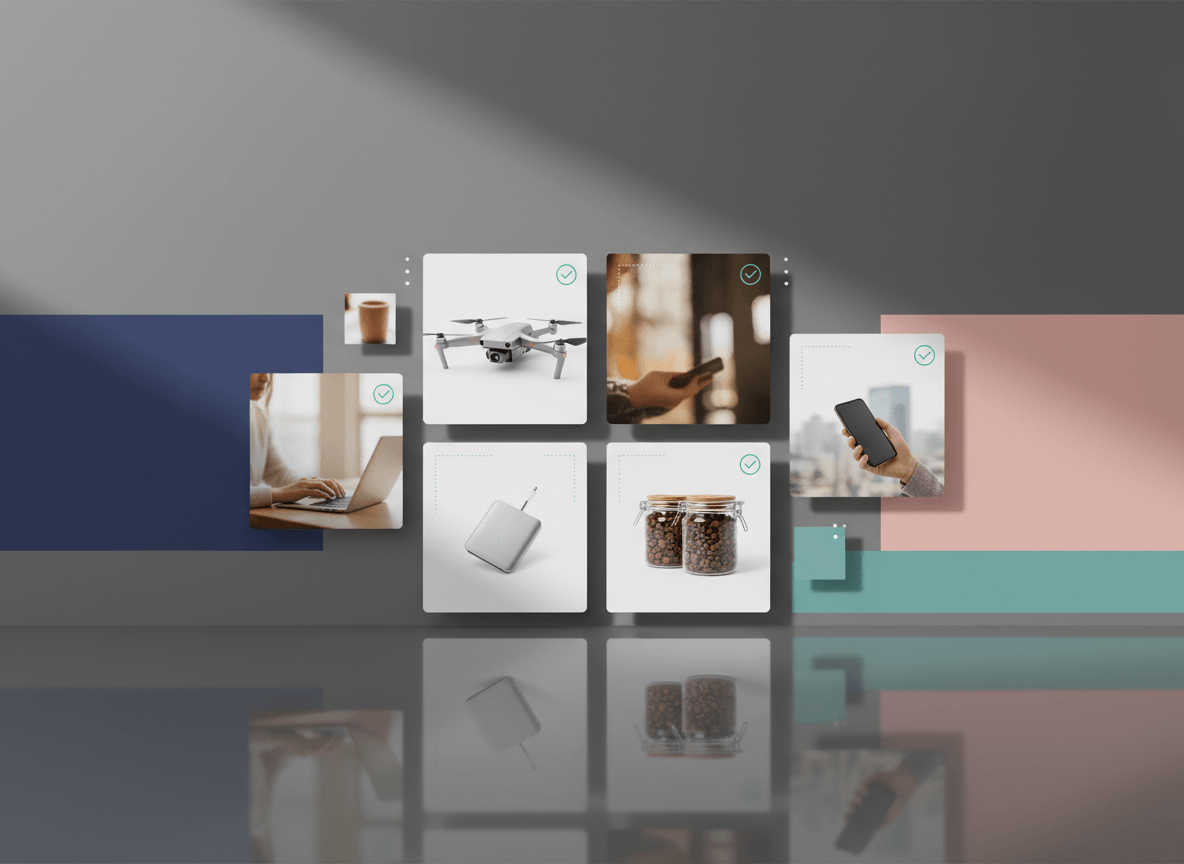
The main reason is presentation: collection pages, featured product sections, cart summaries, and related-product blocks all look cleaner when your primary images follow a consistent aspect ratio.
If you mix square, portrait, and landscape images without a clear theme strategy, you usually get one of three problems:
- awkward cropping
- inconsistent thumbnail heights
- a catalog that feels messy even when the products are good
So choose one primary ratio for a category, then stick to it. Square is the safest default. Portrait can work for apparel if your theme supports it and you apply it consistently.
Product Page Images: What Actually Matters
On the product page, the goal is clarity. That means your image setup should help the shopper answer a few simple questions fast:
- What am I buying?
- What does it look like up close?
- What does it look like from other angles?
- What does the product feel like in use?
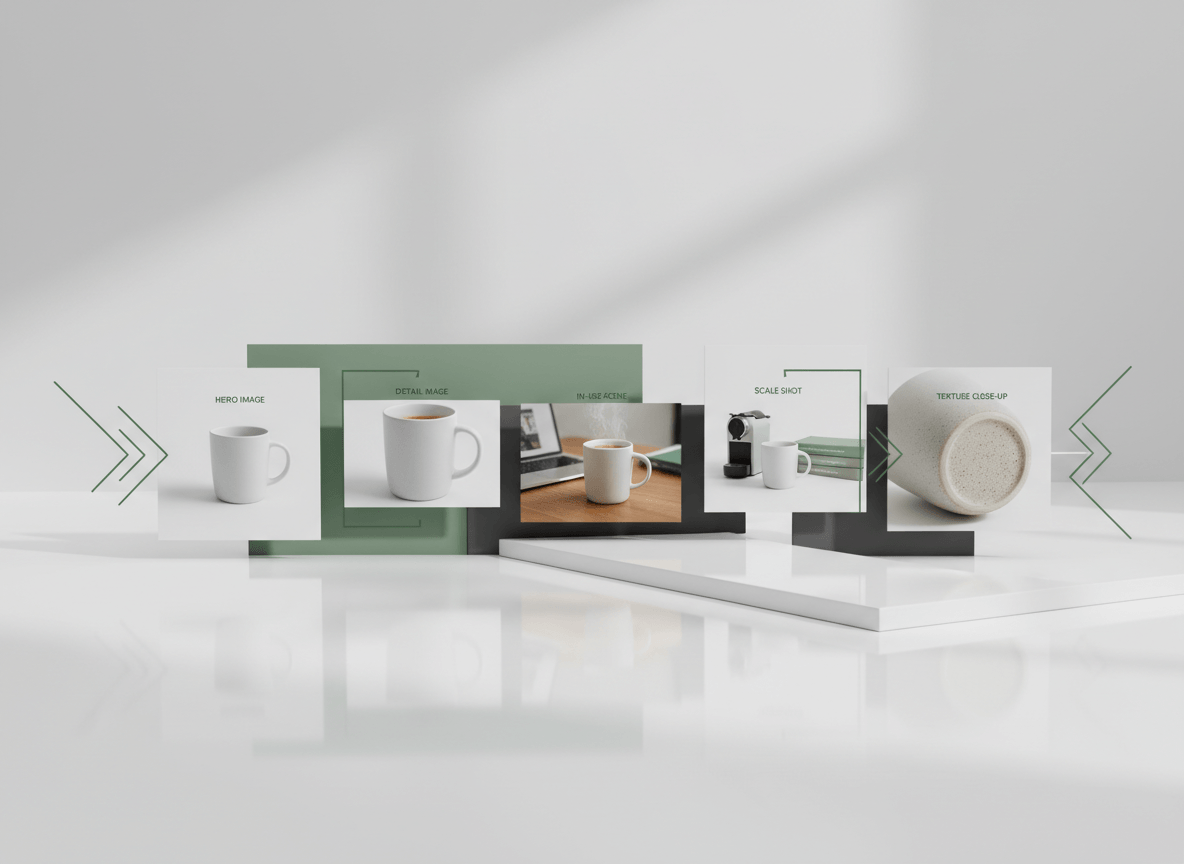
A strong Shopify PDP usually includes:
- A clean hero image
- One or more alternate angles
- Detail shots
- A scale or in-use image when helpful
- Optional video or 3D media when it adds real value
Shopify's first media item becomes the featured or main product media, and it is also used widely across the storefront. So your first image should be the clearest, most universally useful image in the set.
Collection Page Images: Optimize for Recognition, Not Detail
Collection images do not need to do the same job as PDP images.
In a collection grid, the image needs to be:
- instantly recognizable
- visually consistent with nearby products
- cropped safely for your theme
- light enough to load quickly in a grid
This is where aspect-ratio discipline matters most. Shopify itself notes that consistent aspect ratios help collection images display at the same size.
If a product looks great on the PDP but awkward in a collection grid, the fix is usually not "bigger image." The fix is usually "better crop and a more consistent master ratio."
File Formats and Delivery
Shopify accepts multiple source formats, including JPEG, PNG, and WebP. Shopify's imagery service then serves the best format supported by the customer's browser.
In practice:
- Use a clean, high-quality source file.
- Do not upload giant files just because Shopify can technically accept them.
- Export with sensible compression before upload.
If the image is product photography, JPEG or PNG is usually enough for the source file. The real priority is not chasing every format manually. It is starting with a sharp, well-compressed master file.
Image SEO and Performance
Image sizing is also a performance decision.
For Shopify stores, the key web performance concepts are still:
- LCP: how fast the main content loads
- INP: how responsive the page feels
- CLS: how stable the layout stays as content loads
Oversized images can hurt LCP. Inconsistent aspect ratios can create layout issues if the theme is not handling them well. Poorly managed media can also make the storefront feel heavy even when the product page looks fine on a desktop connection.
A good rule of thumb is:
- use a right-sized master image
- compress before upload
- keep aspect ratios consistent
- test the actual theme output on mobile, not just the raw image file
Do Not Skip Alt Text
Shopify allows alt text on product media, and its own documentation notes that alt text is useful for accessibility and can help SEO.
Good alt text is:
- brief
- descriptive
- specific to the image
Bad alt text is keyword stuffing. Describe what the shopper would actually want to know about the image.
A Simple Shopify Image Standard for Most Stores
If you want one practical internal standard for most product catalogs, use this:
- Master size: 2048 x 2048 px for square product images
- File size: comfortably under Shopify's 20 MB limit, with sensible compression before upload
- Ratio: one consistent ratio per category or storefront pattern
- First image: the cleanest and most recognizable version
- Secondary images: angles, detail, scale, and in-use context
- Alt text: added for important product images
That is enough to keep the catalog sharp without creating unnecessary manual work.
Related Reads
- Best Shopify Product Image Sequence for Collections, PDPs, and Ads
- How to Improve Ecommerce Product Images Without Reshooting Everything
- Shopify Product Image Generator
Quick Checklist Before You Upload
- Image is large enough to look crisp on product pages
- Source file is not unnecessarily huge
- Aspect ratio matches the rest of the catalog
- Featured image is the clearest image in the set
- Collection crop looks right in your actual theme
- Alt text is present where it matters
- Mobile product page has been checked on a real device
Bottom Line
There is no single secret Shopify image size. There is a stable operating range and a set of best practices.
For most merchants, that means using a 2048-square master, keeping aspect ratios consistent, compressing intelligently, and testing how the image actually renders inside the theme. That combination does more for conversion than simply uploading the largest file possible.
If you want a faster way to standardize Shopify-ready product imagery across a catalog, Sellshot helps teams generate consistent, storefront-ready images built for ecommerce workflows: Start free trial ->