Short answer: yes, potentially, but only if the image is accurate, realistic, and still satisfies Amazon's normal listing-image rules.
That distinction matters. Amazon's public image guidance focuses on what the image shows, not on whether you used AI somewhere in the workflow. In other words, the main question is not "Was AI involved?" The main question is "Does this image accurately represent the product being sold, and does it comply with Amazon's main-image standards?"
That is why AI can be helpful in an Amazon workflow, but also why it can go wrong quickly if you use it carelessly.
If you need the underlying main-image rules first, start with Amazon Main Image Requirements. This article assumes you already understand those basics.
The Safer Way to Think About AI on Amazon
Instead of asking whether AI is allowed in the abstract, ask a more practical question:
Would a shopper receive the physical product shown in the image, with the same shape, finish, features, and included components?
If the answer is yes, your risk is lower.
If the answer is no, or even "close enough," your risk goes up fast.
Amazon's public image guidance repeatedly emphasizes that images must accurately represent the product for sale. That principle matters more than the tool you used.
Where AI Fits Best in an Amazon Workflow
AI is usually lowest risk when it helps you improve a real product image rather than invent one from scratch.
Lower-risk use cases include:
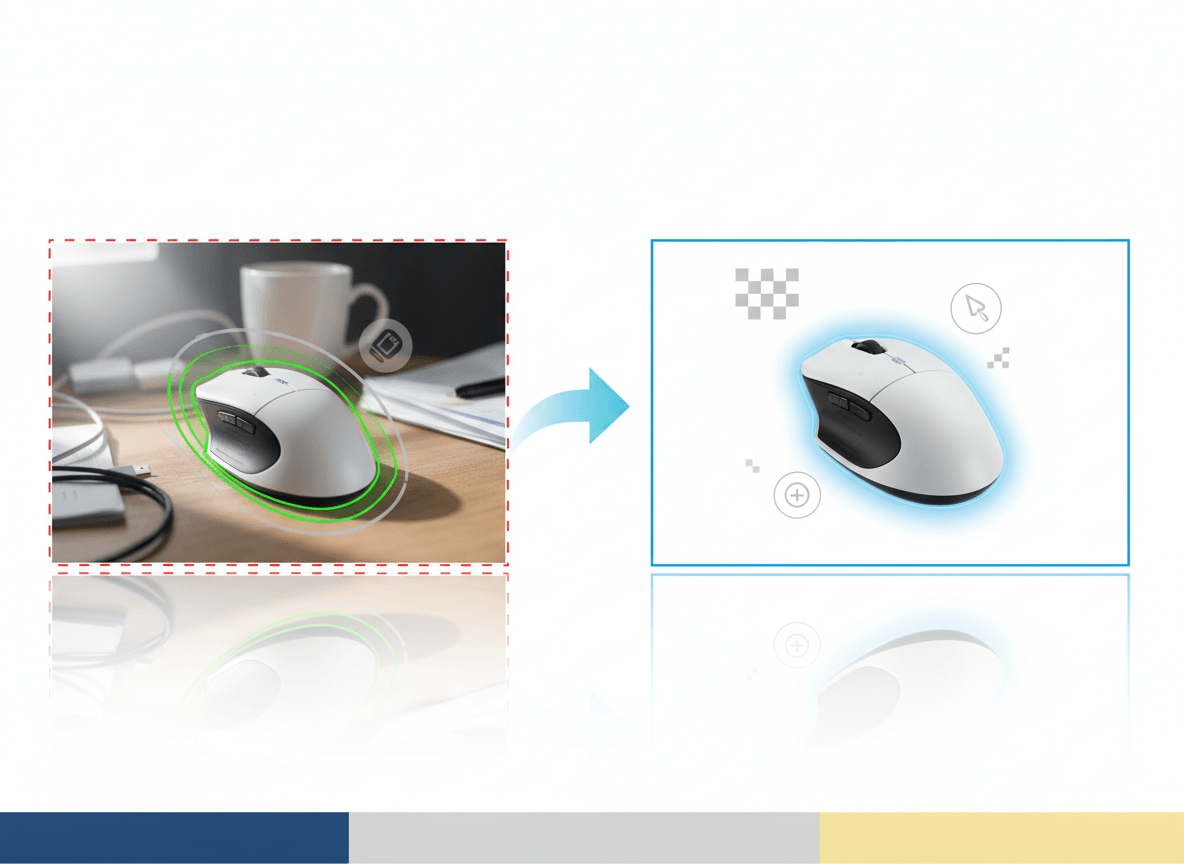
- Removing or cleaning the background
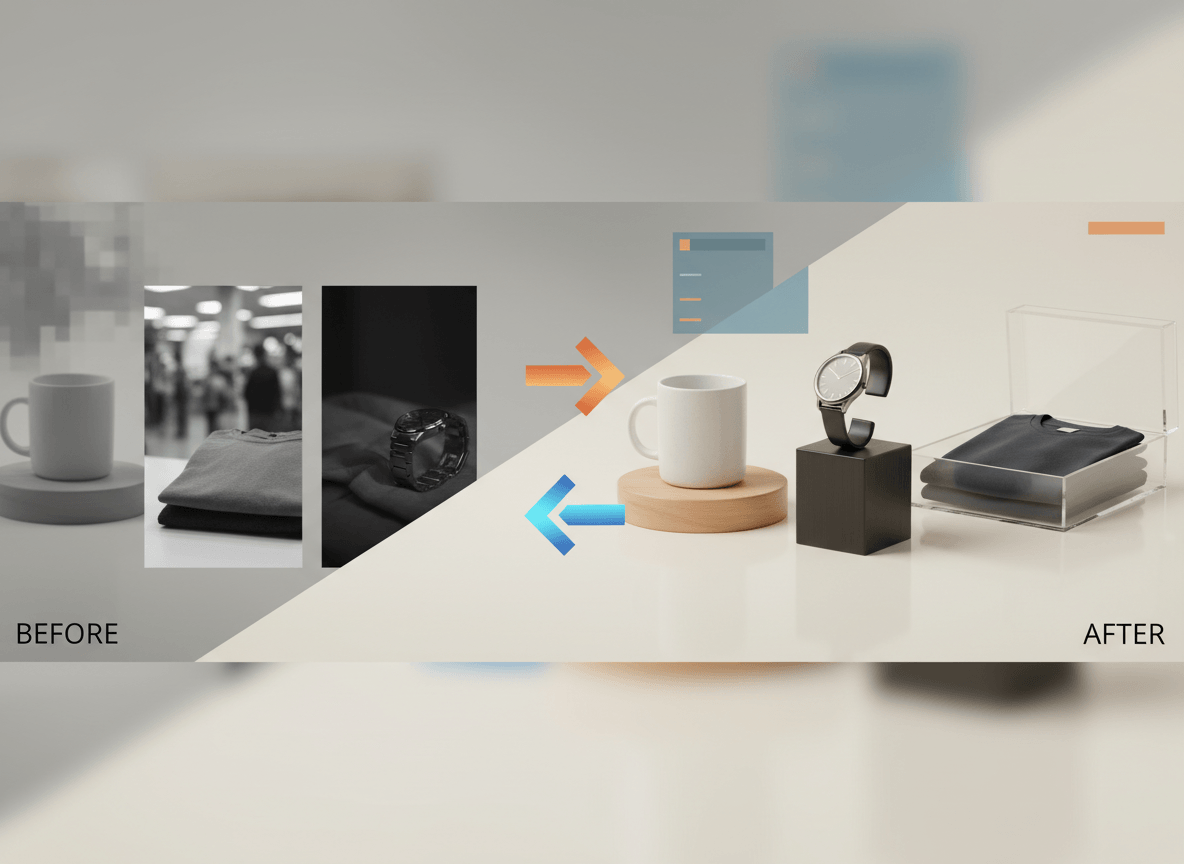
- Standardizing lighting across a catalog
- Fixing crop and centering issues
- Creating secondary lifestyle images based on a real product reference
- Generating alternate supporting images that still stay faithful to the real item
In these cases, AI is acting like an efficiency layer on top of real product data.
Where AI Gets Risky
AI becomes risky when it starts changing the product, not just the presentation.
That usually happens in five situations:
1. The AI changes visible details
Buttons move. Openings disappear. Textures sharpen into something that does not exist. A matte finish turns glossy. Small changes like that are enough to create a mismatch between image and product.
2. The color drifts
Color accuracy matters on Amazon, especially for apparel, beauty, home goods, and anything sold in multiple finishes. If the AI turns "charcoal" into "true black" or "beige" into "warm cream," you create return risk even if the image looks attractive.
3. The main image becomes too synthetic
A main image should look like a clean product image, not a concept rendering. Even if the composition is technically compliant, an obviously synthetic hero image can create trust problems with shoppers.
4. The image implies included items that are not included
This is a normal Amazon image problem, but AI makes it easier to create by accident. If the model places accessories, packaging, stands, or decorative elements around the product, the image can become misleading.
5. You use AI for proof-of-product workflows
Listing creative and proof-of-product documentation are not the same thing. If Amazon ever asks for evidence of a real physical product or branded packaging, use clear, unaltered photos. Do not rely on mockups or synthetic images for that job.
The Best Practice: Start With a Real Product Reference
The safest Amazon workflow is:
- Photograph the real product first.
- Use that image as the visual source of truth.
- Apply AI carefully for cleanup, consistency, and secondary-image production.
- Compare the final result against the physical item before upload.
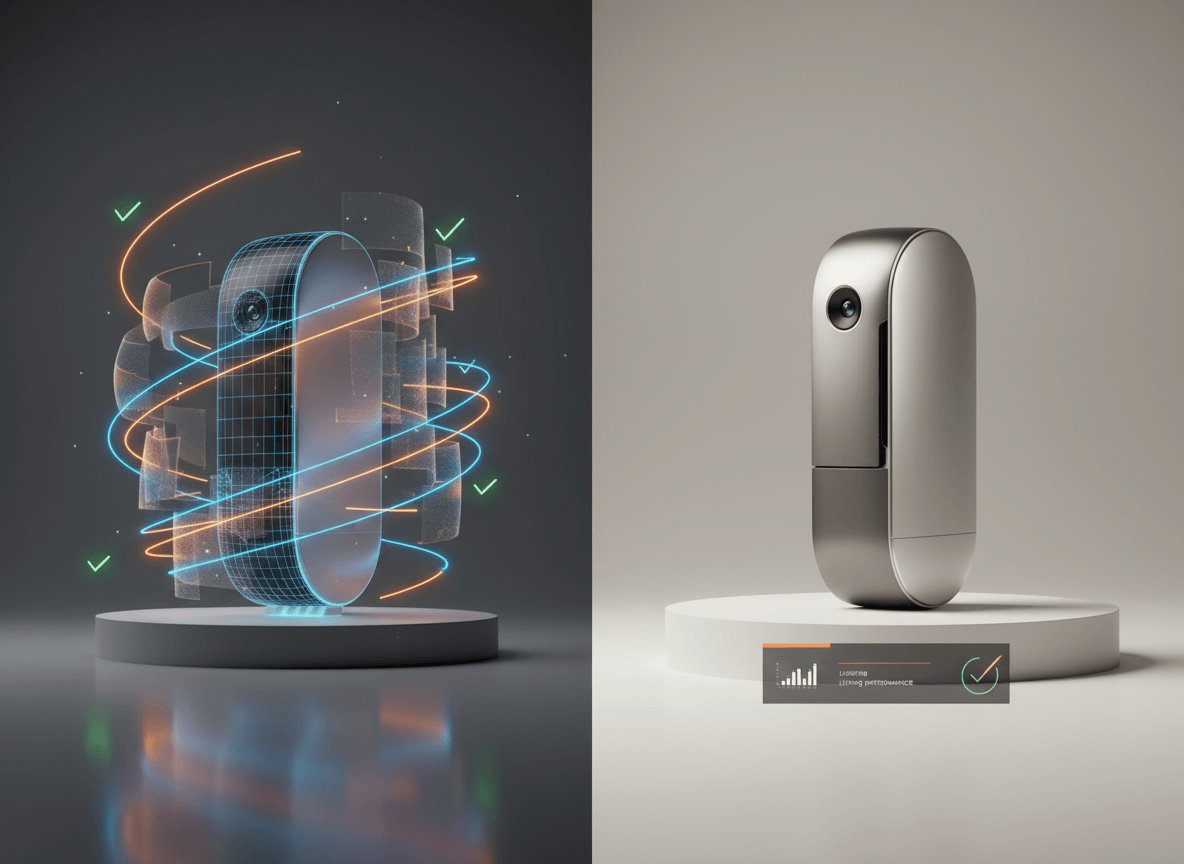
This hybrid approach gives you most of the efficiency benefits of AI without introducing avoidable accuracy problems.
Should You Use AI for the Main Image?
For most sellers, the safest answer is:
- Use a straightforward, highly accurate image for the main slot.
- Use AI more freely in secondary slots, where you can show context, styling, or polished variations.
That does not mean the main image must come from a traditional studio every time. It means the main image should be the most literal image in the set.
If your AI workflow produces a result that is visually indistinguishable from a clean product photo and fully faithful to the real item, that can work. But if there is any doubt, simplify the hero image and move creative experimentation later in the gallery.
Categories Where You Should Be More Conservative
Be extra careful with AI-generated or heavily AI-edited imagery when you sell:
- Products with fine detail, such as jewelry and textured materials
- Products with reflective surfaces
- Regulated categories
- Premium or luxury products where shoppers expect photographic realism
- Products with many visible functional details, ports, switches, measurements, or included components
In these categories, even small inaccuracies are more obvious and more costly.
A Simple QA Process Before Uploading
Before any AI-assisted image goes live on Amazon, check these questions:
- Does it show the exact variant being sold?
- Does it match the real product in shape, finish, and visible details?
- Does the main image still follow Amazon's white-background and no-overlay rules?
- Would a skeptical shopper call anything about it misleading?
- Do you still have the original source image if you need to replace it quickly?
If one answer is shaky, revise the image before it goes live.
What to Do If You Get Pushback
If an image is flagged internally by your team, by a marketplace workflow, or by poor shopper response:
- Replace the main image with the most literal version you have.
- Compare the image against the actual item in hand.
- Remove any AI-added context, props, or styling from the hero slot.
- Keep more creative AI usage in secondary images only.
The fastest fix on Amazon is usually not "more editing." It is usually "less interpretation."
Related Reads
- Amazon Main Image Requirements
- Marketplace Product Image Checklist for Amazon, Shopify, Etsy, and eBay
- Amazon Product Image Generator
Bottom Line
AI can absolutely help Amazon sellers move faster, especially for cleanup, standardization, and secondary-image production. But the safest rule is simple: use AI to improve product presentation, not to invent product truth.
If the image is accurate, realistic, and compliant with Amazon's normal image standards, AI is part of a workable listing workflow. If it drifts from the real product, the workflow stops being useful no matter how polished the result looks.
If you want an AI workflow built around marketplace realism instead of generic image generation, Sellshot is designed for exactly that use case: Start free trial ->