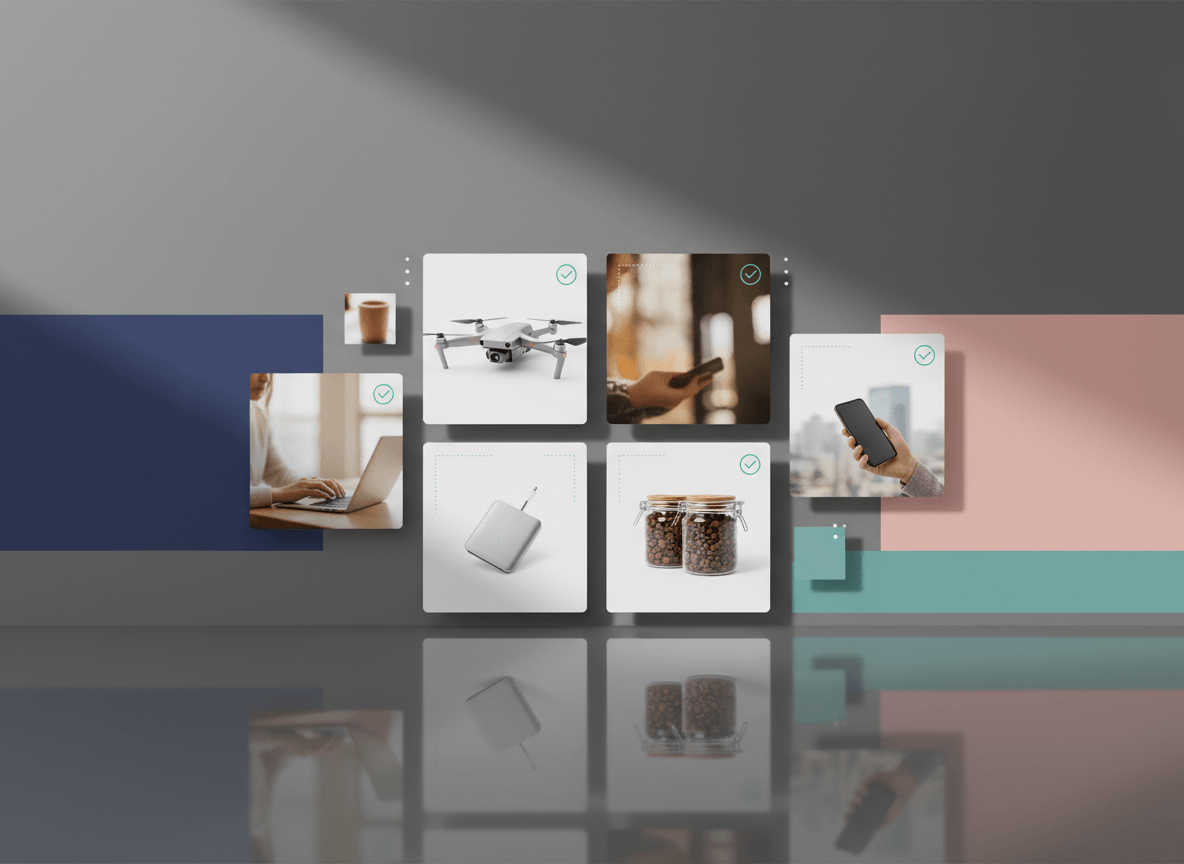
White background product images are still the default workhorse of ecommerce.
On Amazon, a pure white background is the normal requirement for the main image. On Shopify, a white background is not mandatory, but it is still one of the easiest ways to create a clean, consistent catalog. That is why so many sellers end up needing white-background images even if they never plan to open Photoshop.
The good news is that you do not need a studio-grade workflow to get there. In most cases, one of four approaches will cover the job.
If you are building Amazon hero images specifically, keep Amazon Main Image Requirements open beside this guide. If you are optimizing your Shopify catalog, pair this with Shopify Product Image Size Guide.
When White Background Images Actually Matter
White background images are most useful when you need one or more of these outcomes:
- a marketplace-friendly hero image
- a catalog that looks consistent across many SKUs
- a product-first image that crops well in grids
- a reusable source image for Amazon, Shopify, and ads
They matter less when your goal is storytelling. For that, lifestyle images are usually stronger. The mistake is not using white backgrounds. The mistake is using them for every image slot.
Method 1: AI Background Removal
This is the fastest option if you already have a usable product photo.
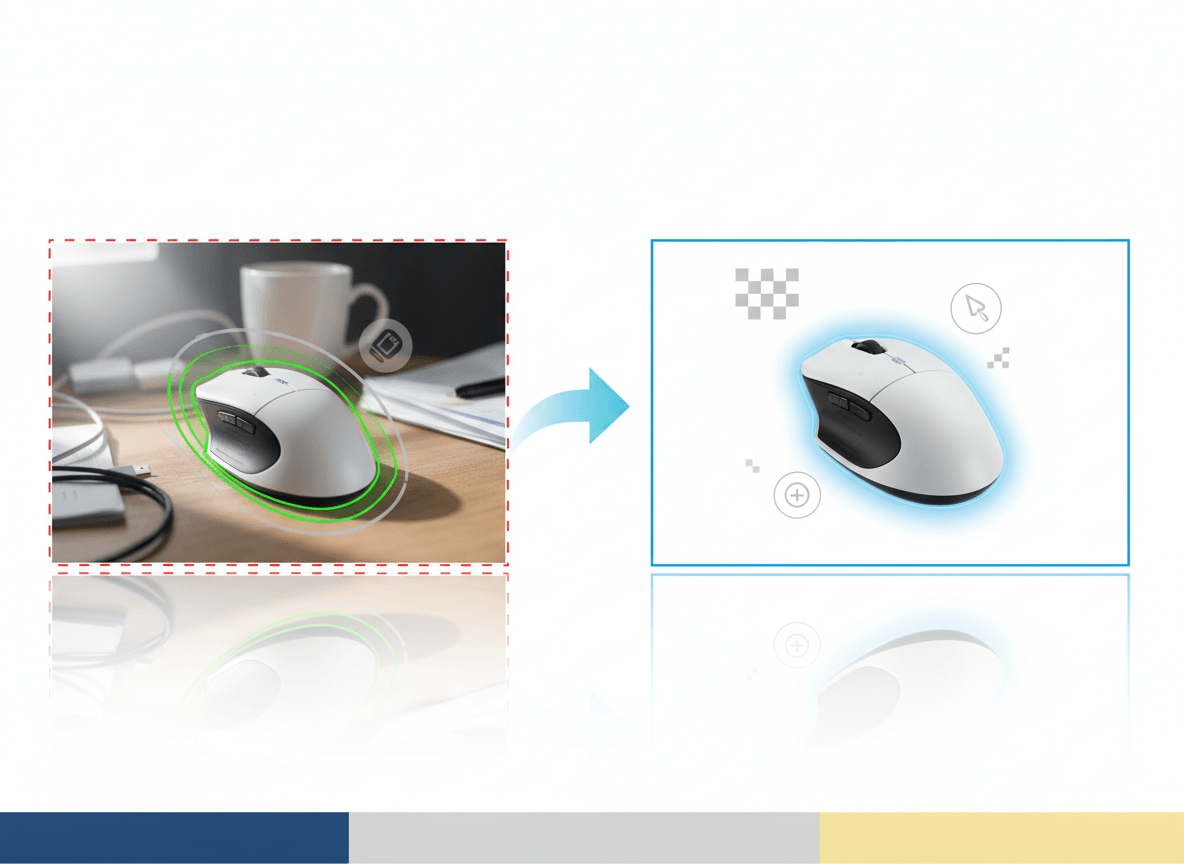
Tools in this category can detect the product, remove the original background, and place the subject on white in seconds. For many catalogs, this is the best balance of speed and cost.
Best for
- existing supplier photos
- catalogs that need cleanup, not a full reshoot
- teams that need batch processing
Basic workflow
- Start with the cleanest source photo you have.
- Remove the background.
- Place the product on white.
- Check the edges at 100% zoom.
- Export a square master image for the channels you use.
What to watch for
- rough cutout edges
- white halos around the product
- missing details in transparent or reflective areas
- shadows that make the background look gray
If you sell glass, polished metal, or fuzzy textiles, always inspect the output manually before trusting a batch export.
Method 2: A Small Lightbox Setup
If you photograph products regularly, a lightbox is still one of the most practical low-cost tools you can own.
It gives you:
- even lighting
- a predictable background
- repeatability across many SKUs
- less cleanup after the shoot
This approach is slower than one-click AI removal, but it is often better for reflective products or items with tricky edges.
Best for
- small to medium products
- teams shooting new products every week
- sellers who want a repeatable in-house workflow
Basic workflow
- Place the product in a well-lit lightbox with a smooth white sweep.
- Position the item so the full shape is easy to read.
- Raise exposure carefully until the background looks clean without blowing out product edges.
- Shoot several angles.
- Do light cleanup and cropping after capture if needed.
If you are going to shoot dozens or hundreds of SKUs over time, a simple lightbox often pays for itself faster than people expect.
Method 3: A DIY White Sweep
If you do not want to buy equipment yet, use white poster board or seamless paper to create an "infinity sweep."
This is the cheapest way to get close to a studio look:
- tape the background so it curves instead of folding
- place the product where the curve starts
- use soft natural light or a diffused lamp
- expose for the product, then clean up the background later if necessary
Best for
- testing the workflow before investing in gear
- small products
- founders who need acceptable catalog images fast
Watch-outs
- uneven lighting from one side
- visible shadows behind the item
- crease lines in the paper
- inconsistent results between sessions
This method works, but consistency depends heavily on your light and your setup discipline.
Method 4: Phone-Based Cutout + White Canvas
Modern phones make it possible to isolate a subject and place it on white without desktop software.
This is not the ideal workflow for large catalogs, but it can be good enough for quick tests, occasional uploads, or one-off product updates.
Best for
- occasional sellers
- simple product shapes
- proof-of-concept work before a more scalable process
Basic workflow
- Take a sharp photo with good separation from the background.
- Use your phone's cutout or background-removal feature, or a lightweight mobile editor.
- Place the product on a plain white canvas.
- Check edges and crop.
- Export a square image.
The quality ceiling is lower than a good lightbox or a strong AI batch workflow, but it is often enough for simple products.
Which Method Should You Choose?
Use this shortcut:
- If you already have photos and need speed: use AI background removal.
- If you shoot products regularly: build a lightbox workflow.
- If you are on a tight budget: start with a DIY sweep.
- If you only need a few quick images: use a phone-based workflow.
Most sellers eventually use a combination. For example, they shoot in a lightbox, then use AI for cleanup and standardization.
The Amazon vs Shopify Difference
This is important:
- Amazon: your main image normally needs a pure white background and a literal product-first presentation.
- Shopify: you can use white backgrounds, but you are not required to use them on every product image.
So if you sell on both platforms, a smart setup is:
- create one white-background master image for listings and grids
- create additional lifestyle or in-use images for PDPs, ads, and brand storytelling
That gives you compliance where needed and flexibility where it helps conversion.
A Quick QA Checklist Before You Upload
Before calling the image done, check:
- Does the background read as clean white?
- Are the edges clean when zoomed in?
- Is the product color still accurate?
- Is the crop consistent with the rest of the catalog?
- Does the product fill enough of the frame?
- If this is for Amazon, does it stay literal and product-only?
Most weak white-background images fail on the edge cleanup, not on the original photo.
Related Reads
- Amazon Main Image Requirements
- Shopify Product Image Size Guide
- How to Improve Ecommerce Product Images Without Reshooting Everything
- White Background Product Image Generator
Bottom Line
You do not need Photoshop to create strong white-background product images anymore.
For most sellers, the best path is simple: start with the cleanest real product photo you can get, use a repeatable method to create a white-background master, and then quality-check the result before you upload. That is enough to create images that work for marketplaces and look professional in your own store.
If you want a faster workflow for generating clean, catalog-ready white-background images at scale, Sellshot is built for exactly that use case: Start free trial ->