अगर आप Shopify पर बेचते हैं, तो image sizing सिर्फ design detail नहीं है। यह affect करती है कि products collection grids में कैसे दिखते हैं, product pages कितनी sharp महसूस होती हैं, और page पर कितना extra weight लोड होता है।
अच्छी बात यह है कि Shopify की official guidance आपको enough flexibility देती है। Practical काम किसी एक magic number को याद करना नहीं है। असली काम है एक consistent master size चुनना जो sharp दिखे, theme के साथ काम करे, और avoidable performance issues न बनाए।
अगर आप raw file specs की जगह image roles पर काम कर रहे हैं, तो इसे Best Shopify Product Image Sequence for Collections, PDPs, and Ads के साथ पढ़ें। दोनों posts साथ में बेहतर काम करती हैं।
Shopify officially क्या support करता है
Shopify help documentation के अनुसार:
- product और collection images 5000 x 5000 px, या 25 megapixels तक हो सकती हैं
- image files 20 MB से छोटी होनी चाहिए
- square product imagery के लिए 2048 x 2048 px आम तौर पर best display size है
- Shopify storefront पर अलग-अलग image sizes automatically create और serve करता है
मतलब Shopify flexible है। लेकिन flexible होने का मतलब यह नहीं कि "जो सबसे बड़ा file है वही upload कर दो"।
Practical default: square product images के लिए 2048 x 2048
ज़्यादातर stores के लिए 2048 x 2048 px अभी भी सबसे practical default है।
क्यों:
- modern screens पर sharp दिखने के लिए काफी बड़ा है
- ज़्यादातर themes में zoom और cropping के लिए enough room देता है
- giant source files की तुलना में compress और standardize करना आसान है
- Shopify की common recommendation के साथ align करता है
अगर आपका catalog square-friendly products से भरा है, तो यह standard scale पर maintain करना सबसे आसान है।
Aspect ratio उतना matter करता है जितना लोग सोचते भी नहीं
Shopify यह require नहीं करता कि हर product image का ratio same हो, लेकिन storefront आम तौर पर तब ज़्यादा polished लगता है जब ratios consistent हों।
मुख्य वजह presentation है: collection pages, featured product sections, cart summaries, और related-product blocks सब cleaner दिखते हैं जब primary images एक consistent aspect ratio follow करती हैं।
अगर आप square, portrait, और landscape images को बिना clear theme strategy mix करते हैं, तो आम तौर पर तीन problems आती हैं:
- awkward cropping
- inconsistent thumbnail heights
- ऐसा catalog जो अच्छे products के बावजूद messy लगे
इसलिए एक category के लिए एक primary ratio चुनें, और उसी पर टिके रहें। Square safest default है। Apparel में portrait काम कर सकता है, अगर theme उसे properly support करती हो और आप उसे consistently apply करें।
Product page images में actually क्या matter करता है
Product page पर goal clarity है। Image setup shopper को जल्दी इन सवालों का जवाब देने में मदद करे:
- मैं क्या खरीद रहा हूँ?
- पास से यह कैसा दिखता है?
- दूसरे angles से कैसा है?
- use में यह कैसा दिखता है?
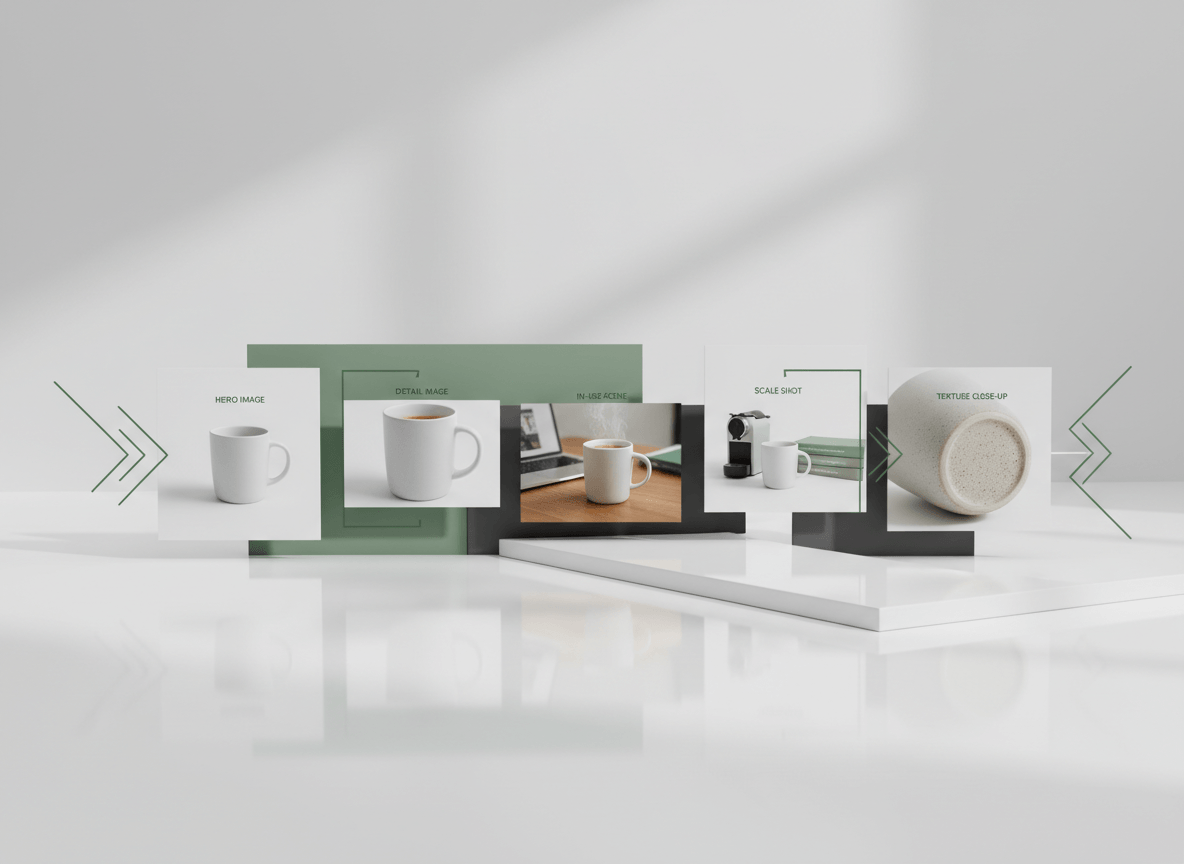
एक strong Shopify PDP में आम तौर पर यह होता है:
- एक clean hero image
- एक या उससे अधिक alternate angles
- detail shots
- जब useful हो तब scale या in-use image
- optional video या 3D media, अगर वह real value add करे
Shopify का पहला media item featured या main product media बनता है, और storefront में कई जगह use होता है। इसलिए आपकी पहली image set की सबसे clear और सबसे broadly useful image होनी चाहिए।
Collection page images: detail नहीं, recognition optimize करें
Collection images को PDP images जैसा काम नहीं करना होता।
Collection grid में image को होना चाहिए:
- instantly recognizable
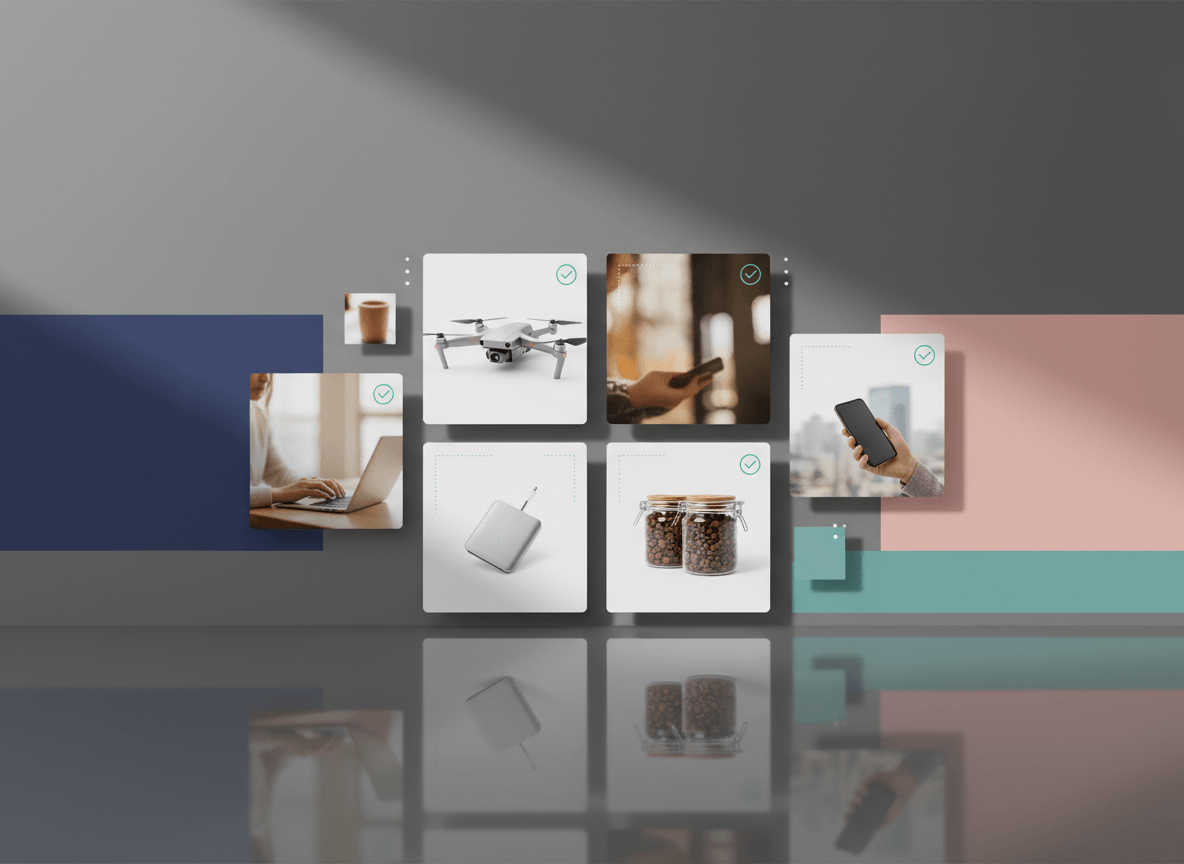
- आसपास के products के साथ visually consistent
- आपकी theme के लिए safely cropped
- grid में जल्दी load होने लायक light
यहीं aspect-ratio discipline सबसे ज़्यादा matter करती है। Shopify खुद भी note करता है कि consistent aspect ratios collection images को समान size में दिखाने में मदद करती हैं।
अगर product PDP पर अच्छा दिखता है लेकिन collection grid में awkward लगता है, तो fix usually "bigger image" नहीं होता। Fix अक्सर "better crop और more consistent master ratio" होता है।
File formats और delivery
Shopify JPEG, PNG, और WebP सहित कई source formats accept करता है। फिर Shopify की image service customer के browser के हिसाब से best format serve करती है।
Practical terms में:
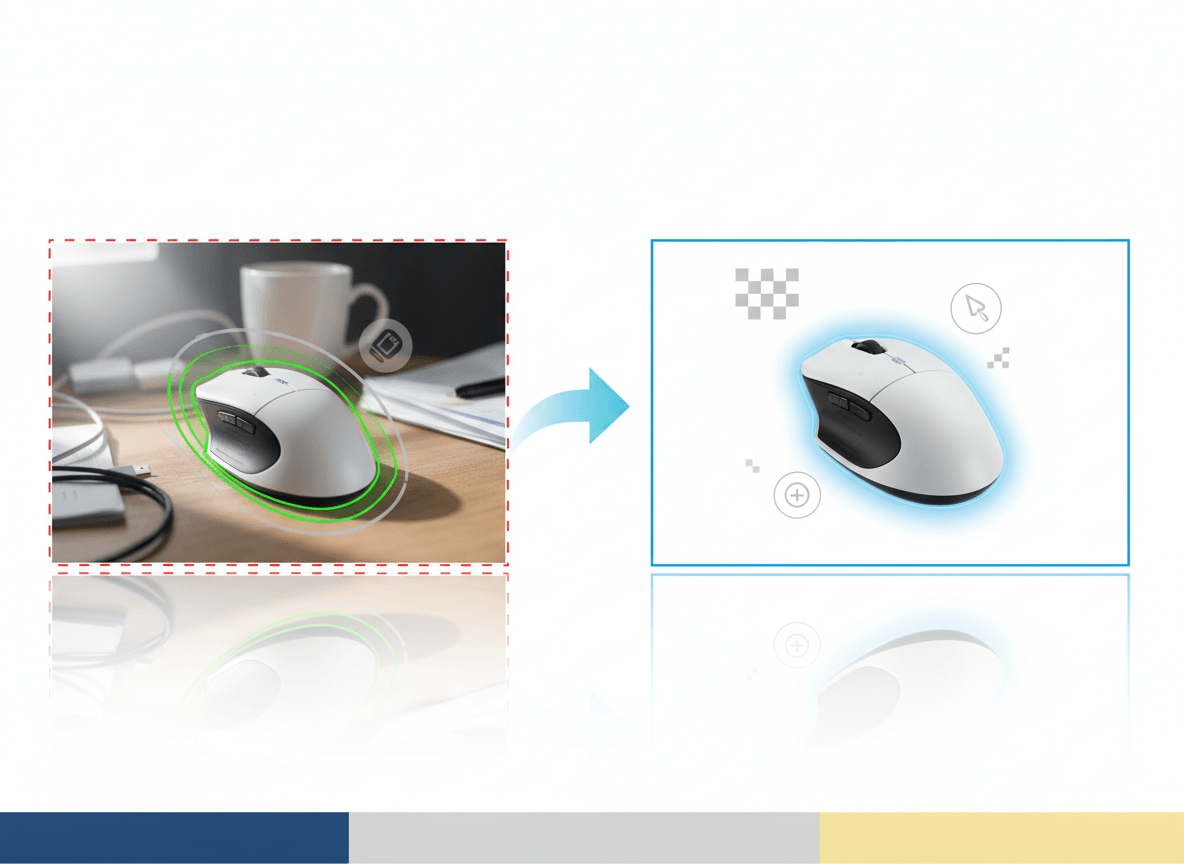
- clean, high-quality source file use करें
- सिर्फ इसलिए giant file upload न करें क्योंकि Shopify technically accept कर सकता है
- upload से पहले sensible compression करें
अगर image product photography है, तो source file के लिए JPEG या PNG काफी है। असली priority हर format को manually chase करना नहीं है, बल्कि sharp और well-compressed master file से शुरुआत करना है।
Image SEO और performance
Image sizing performance decision भी है।
Shopify stores के लिए key web-performance concepts अभी भी यही हैं:
- LCP: main content कितनी तेज़ी से load होती है
- INP: page कितना responsive महसूस होता है
- CLS: content load होने पर layout कितना stable रहता है
Oversized images LCP को hurt कर सकती हैं। Inconsistent aspect ratios layout issues बना सकती हैं अगर theme उन्हें अच्छी तरह handle नहीं कर रही। Poorly managed media storefront को heavy feel करा सकती है, चाहे desktop connection पर page ठीक क्यों न लगे।
एक अच्छा rule of thumb:
- right-sized master image use करें
- upload से पहले compress करें
- aspect ratios consistent रखें
- actual theme output को mobile पर test करें, सिर्फ raw file को नहीं
Alt text skip मत कीजिए
Shopify product media पर alt text allow करता है, और उसकी own documentation कहती है कि alt text accessibility के लिए useful है और SEO में मदद कर सकती है।
Good alt text:
- brief हो
- descriptive हो
- image-specific हो
Bad alt text keyword stuffing है। वही लिखिए जो shopper image के बारे में जानना चाहेगा।
ज़्यादातर stores के लिए simple Shopify image standard
अगर आपको एक practical internal standard चाहिए, तो यह काफी है:
- master size: square product images के लिए 2048 x 2048 px
- file size: Shopify की 20 MB limit से comfortably नीचे, और upload से पहले sensible compression
- ratio: category या storefront pattern के हिसाब से एक consistent ratio
- first image: set की सबसे clear और recognizable image
- secondary images: angles, detail, scale, और in-use context
- alt text: important product images पर add करें
इतना standard catalog को sharp रखता है, बिना extra manual overhead बनाए।
संबंधित लेख
- Best Shopify Product Image Sequence for Collections, PDPs, and Ads
- How to Improve Ecommerce Product Images Without Reshooting Everything
- Shopify प्रोडक्ट इमेज जनरेटर
अपलोड से पहले त्वरित चेकलिस्ट
- image product pages पर crisp दिखने के लिए काफी बड़ी है
- source file unnecessarily huge नहीं है
- aspect ratio बाकी catalog से match करता है
- featured image set की clearest image है
- collection crop आपकी actual theme में सही दिखती है
- जहाँ जरूरी है वहाँ alt text मौजूद है
- mobile product page को real device पर check किया गया है
निष्कर्ष
Shopify के लिए कोई एक secret image size नहीं है। एक stable operating range है और कुछ best practices हैं।
ज़्यादातर merchants के लिए इसका मतलब है 2048-square master use करना, aspect ratios consistent रखना, intelligently compress करना, और image को actual theme में कैसे render हो रही है यह test करना। यह combination conversion के लिए सिर्फ largest file upload करने से कहीं ज़्यादा useful है।
अगर आप पूरे catalog में Shopify-ready product imagery को तेज़ी से standardize करना चाहते हैं, तो Sellshot teams को consistent storefront-ready images generate करने में मदद करता है जो ecommerce workflows के लिए बनी हैं: मुफ़्त ट्रायल शुरू करें ->