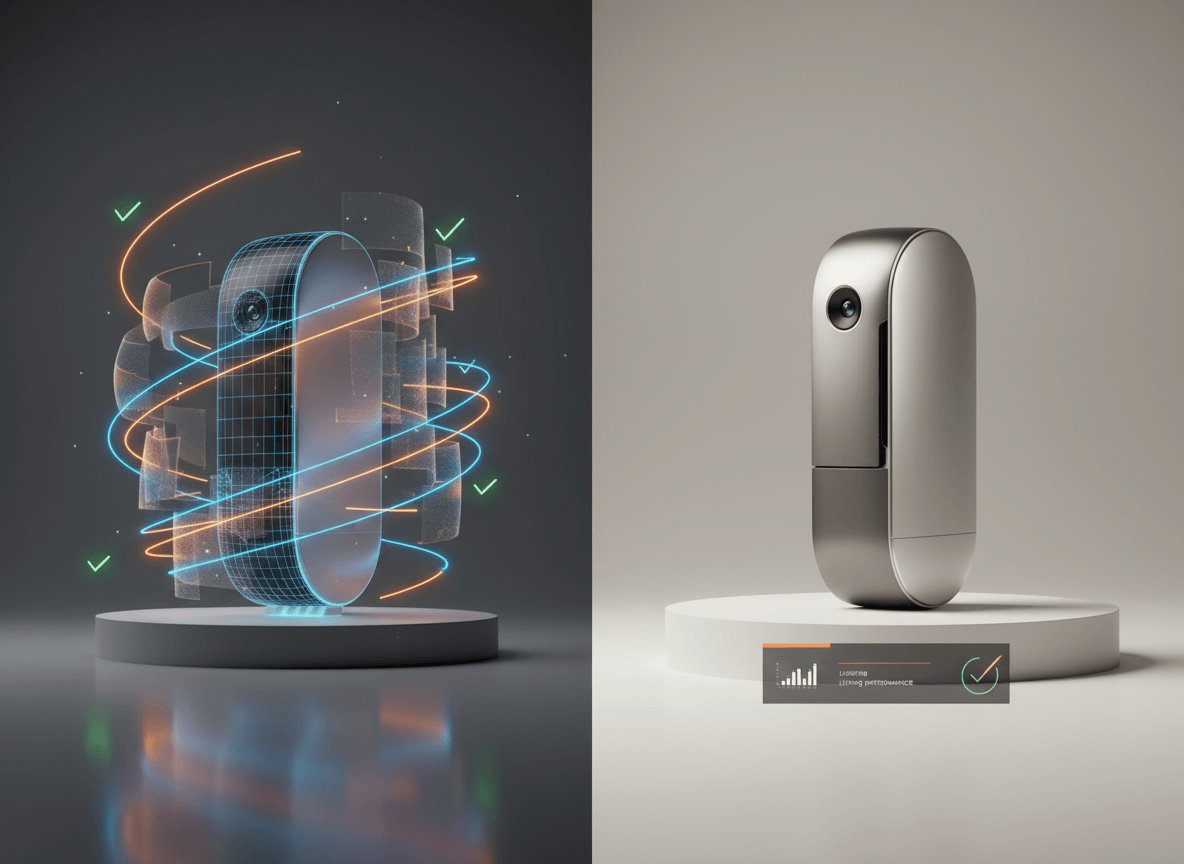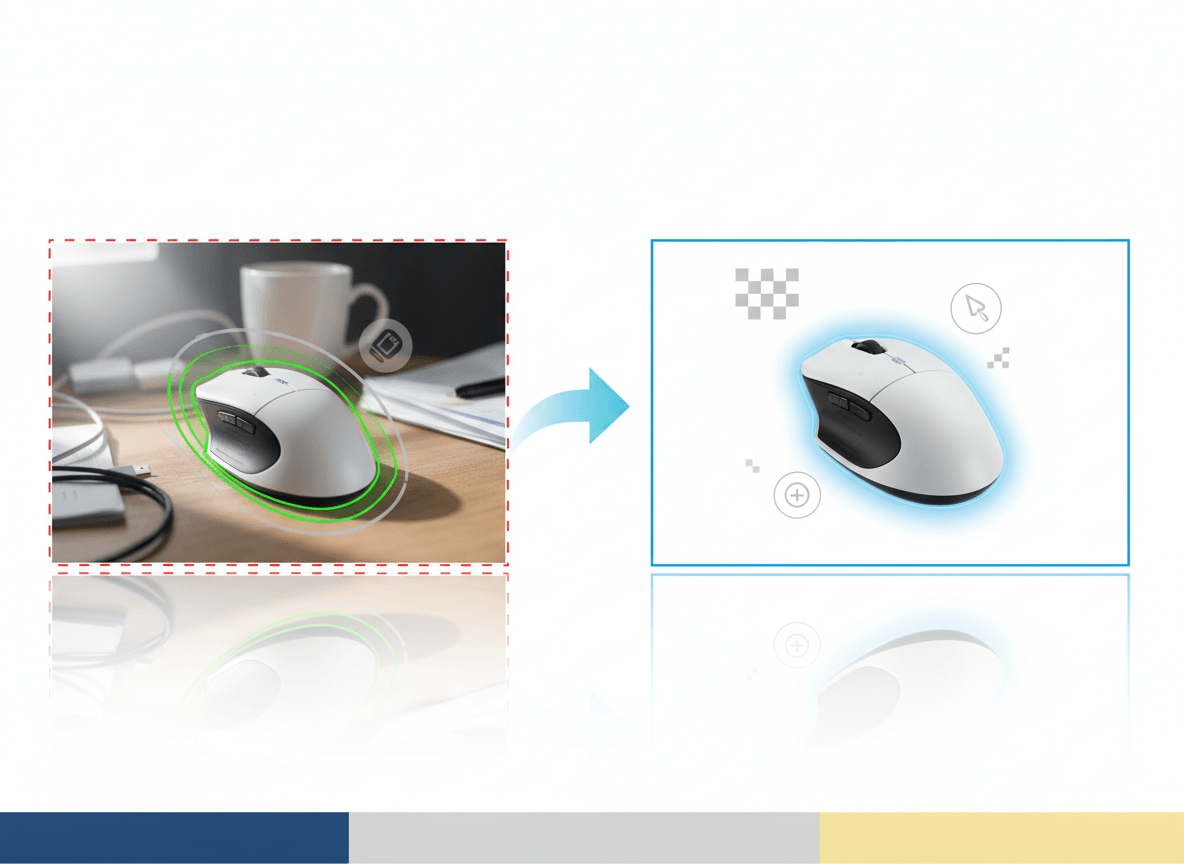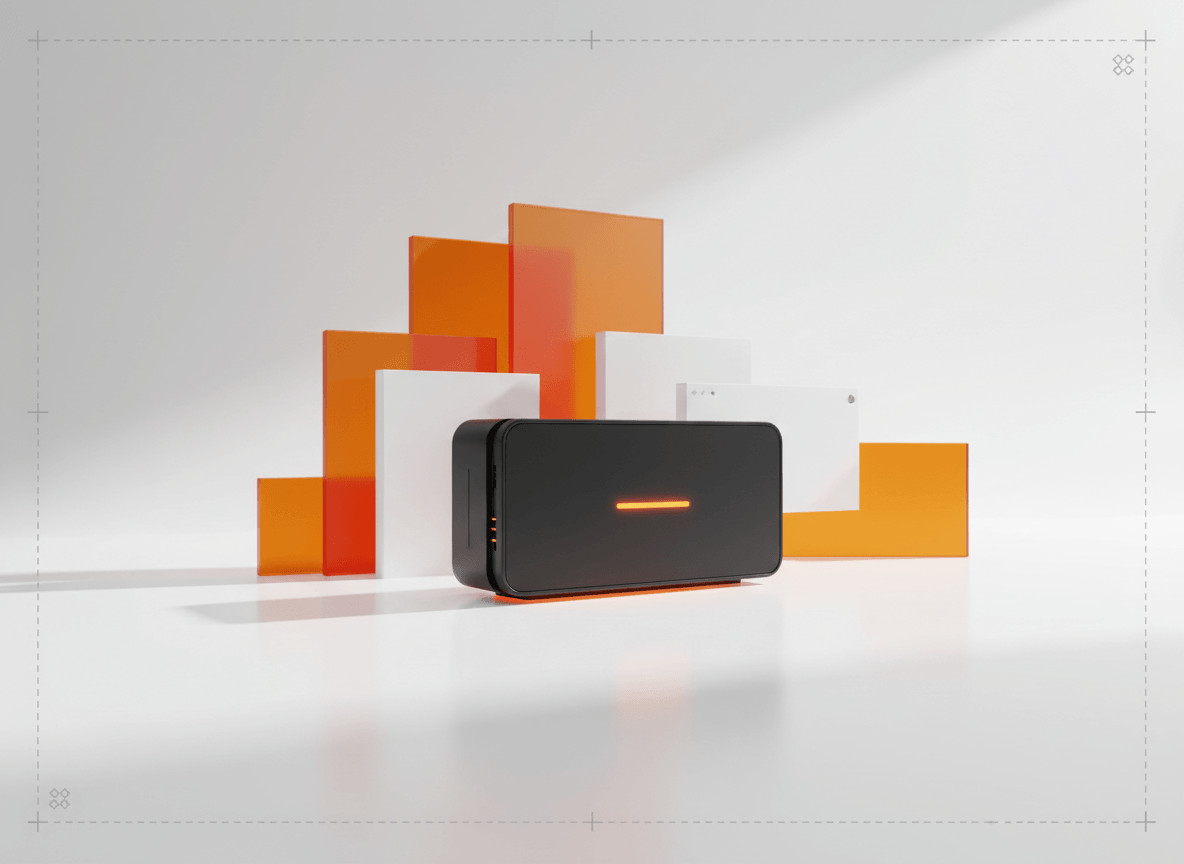
Amazon main image एक साथ दो काम करती है। उसे shopper को click के लिए motivate करना होता है, और साथ ही Amazon के image standards भी meet करने होते हैं. इन दोनों में से कोई एक भी miss हुआ, तो listing की performance गिर सकती है या review issue आ सकता है।
अच्छी बात यह है कि core rules सीधे हैं। मुश्किल यह है कि बहुत से sellers "लगभग सही" image पर रुक जाते हैं। Main-image problems आमतौर पर उसी छोटे gap से शुरू होते हैं।
यह guide उन requirements पर फोकस करती है जिन्हें Amazon अपनी public guidance में बार-बार emphasize करता है, किन चीज़ों पर images reject या weak पड़ती हैं, और बिना workflow को unnecessarily complex बनाए एक clean, compliant hero image कैसे तैयार की जाए।
अगर आप इस workflow में AI का use करना चाहते हैं, तो इसके बाद Can You Use AI Images for Amazon Listings? भी पढ़ें। वह बताता है कि AI कहाँ तक useful है और कहाँ risk बढ़ाता है।
Amazon किन core rules पर सबसे ज़्यादा ध्यान देता है
Main image के लिए Amazon की public seller guidance आम तौर पर इन basics पर टिकती है:
- वही actual product दिखाएँ जो बेचा जा रहा है
- main image के लिए pure white background रखें
- product frame का ज़्यादातर हिस्सा घेरे, आमतौर पर लगभग 85% या उससे अधिक
- पूरा product frame के अंदर दिखना चाहिए
- text, logos, badges, borders, या watermarks नहीं होने चाहिए
- ऐसे props या accessories नहीं दिखने चाहिए जो purchase में शामिल नहीं हैं
यही foundation है। अगर आप इसे पहले सही कर लेते हैं, तो बाकी optimization कहीं आसान हो जाती है।
Size, resolution, और file setup
Amazon छोटे uploads accept कर लेता है, लेकिन इसका मतलब यह नहीं कि live listing के लिए छोटी image सही choice है।
Practical baseline के तौर पर:
- zoom support चाहिए तो longest side कम से कम 1000 px रखें
- अगर texture या fine detail important है, तो बड़ा master image रखें
- composition को simple और square-friendly रखें, क्योंकि search results और detail pages में image अक्सर उसी तरह दिखती है
Listing images के लिए JPEG आम तौर पर safest export होता है, हालांकि Amazon दूसरे formats भी accept करता है। रोज़मर्रा के workflow में standard RGB या sRGB exports सबसे predictable web color देते हैं।
ज़्यादातर catalogs के लिए 1600 से 2000 px के बीच का clean square master एक अच्छा operating target है: detail के लिए बड़ा, और scale पर manage करने के लिए practical।
"Pure white background" का practically मतलब क्या है
Amazon main image के लिए pure white background कहता है। Real life में sellers अक्सर चार वजहों से फँसते हैं:
- background white की जगह हल्का gray, cream, या blueish लग रहा हो
- ऊपर से नीचे तक visible gradient बचा हो
- sloppy background removal के कारण product edge पर halo दिख रहा हो
- shadow इतनी heavy हो कि background white पढ़े ही नहीं
आपको हर pixel अलग से obsess करने की ज़रूरत नहीं है, लेकिन final image पूरी तरह साफ pure-white main image की तरह दिखनी चाहिए।
अगर आपने background removal tools use किए हैं, तो upload से पहले edges zoom करके देखें। Transparent items, reflective surfaces, और fuzzy materials पर खराब cutout सबसे जल्दी पकड़ में आता है।
Product fill: सबसे common composition mistake
कई rejected या weak-performing main images technically sharp होती हैं, लेकिन composition की वजह से कमज़ोर पड़ती हैं।
Common mistakes:
- product के आसपास बहुत ज़्यादा empty white space
- किसी corner, handle, या edge का कट जाना
- एक unit बिक रहा है लेकिन image में कई units दिखना
- bundle को actual included contents से बड़ा दिखाना
Fix simple है: product को tight frame करें, लेकिन aggressively crop न करें। Shopper को एक नज़र में समझ आना चाहिए कि क्या बेचा जा रहा है, और कुछ भी important cut नहीं होना चाहिए।
किन चीज़ों से आमतौर पर problems शुरू होती हैं
1. Over-designed main images
Main image badges, discount labels, comparison callouts, या decorative graphics की जगह नहीं है। ऐसी चीज़ें ads, storefronts, A+ content, या secondary creative के लिए बचाकर रखें।
2. ऐसे props जो ऐसी चीज़ imply करें जो included नहीं है
अगर कोई scale prop या lifestyle element product explain करने में मदद करता है, तो उसे secondary image में रखें। Main image को literal और uncluttered ही रखें।
3. Variant mismatch
अगर shopper black variant खरीद रहा है, तो main image clearly black variant ही दिखाए। यह apparel, beauty, home goods, और electronics जैसे categories में बहुत important है।
4. Image title या selected option से match नहीं करती
Amazon की image guidance सिर्फ cleanliness के बारे में नहीं है। Image को उस product को accurately represent करना होता है जो sell हो रहा है। Title, selected variation, और hero image में mismatch भरोसा तुरंत गिरा देता है।
5. एक image से बहुत कुछ समझाने की कोशिश
Main image का काम सब कुछ explain करना नहीं है। इसका काम product को साफ़ बनाना है। Detail shots, use cases, scale, और feature explanation के लिए secondary images use करें।
Category-specific rules भी matter करते हैं
ऊपर के general rules सिर्फ starting point हैं। कुछ Amazon categories और product types के अपने style guides या extra expectations हो सकते हैं।
इसका मतलब है कि एक ही setup हर catalog पर काम करेगा, ऐसा assume नहीं करना चाहिए। Apparel, beauty, jewelry, footwear, और hardlines categories framing, model use, packaging, और support-image mix में अलग expectations रख सकती हैं।
Safest workflow यह है:
- पहले global main-image rules follow करें
- फिर check करें कि आपकी category की अपनी style guide तो नहीं है
- उसके बाद category-specific checklist बनाकर batch production करें
Compliant main images के लिए practical workflow
अगर आपको reliable process चाहिए, तो इस sequence का use करें:
- real product reference से शुरू करें, चाहे traditional photo हो या AI-assisted workflow का source image
- हर SKU या variant के लिए एक clean square master बनाएँ
- 100% zoom पर background, edges, crop, और product fill check करें
- confirm करें कि image selected variation से exactly match करती है
- main image को plain और literal रखें; storytelling secondary images में ले जाएँ
Amazon workflow में AI use करने का भी यही safest तरीका है: AI को अच्छे source imagery को clean, standardize, या extend करने के लिए use करें, न कि product को नई तरह invent करने के लिए।
Upload से पहले final checklist
- main image वही product दिखाती है जो sell हो रहा है
- background साफ pure white दिख रहा है
- product frame का ज़्यादातर हिस्सा भर रहा है
- पूरा product visible है
- text, watermarks, badges, या borders नहीं हैं
- ऐसे props या extras नहीं हैं जो included नहीं हैं
- variant, title, और image आपस में match कर रहे हैं
- image sharp दिखने और zoom support के लिए पर्याप्त बड़ी है
संबंधित लेख
- Can You Use AI Images for Amazon Listings?
- Marketplace Product Image Checklist for Amazon, Shopify, Etsy, and eBay
- Amazon प्रोडक्ट इमेज जनरेटर
निष्कर्ष
Amazon main image compliance tricks का खेल नहीं है। यह clarity, accuracy, और restraint का मामला है।
अगर आपकी main image clean, literal, high-resolution, और clearly actual product-centered है, तो आप सबसे difficult हिस्सा पहले ही सही कर चुके हैं। Problems अक्सर तब शुरू होती हैं जब seller hero image को ad की तरह behave कराने लगते हैं।
अगर आप Amazon-ready hero images तेज़ी से बनाना चाहते हैं, तो शुरुआत से marketplace constraints के हिसाब से बना workflow use करना बेहतर है। Sellshot teams को clean listing images जल्दी generate और standardize करने में मदद करता है, बिना main image को generic AI art बनाए: मुफ़्त ट्रायल शुरू करें ->